Google Drive - Detects Ransomware and Restores Files
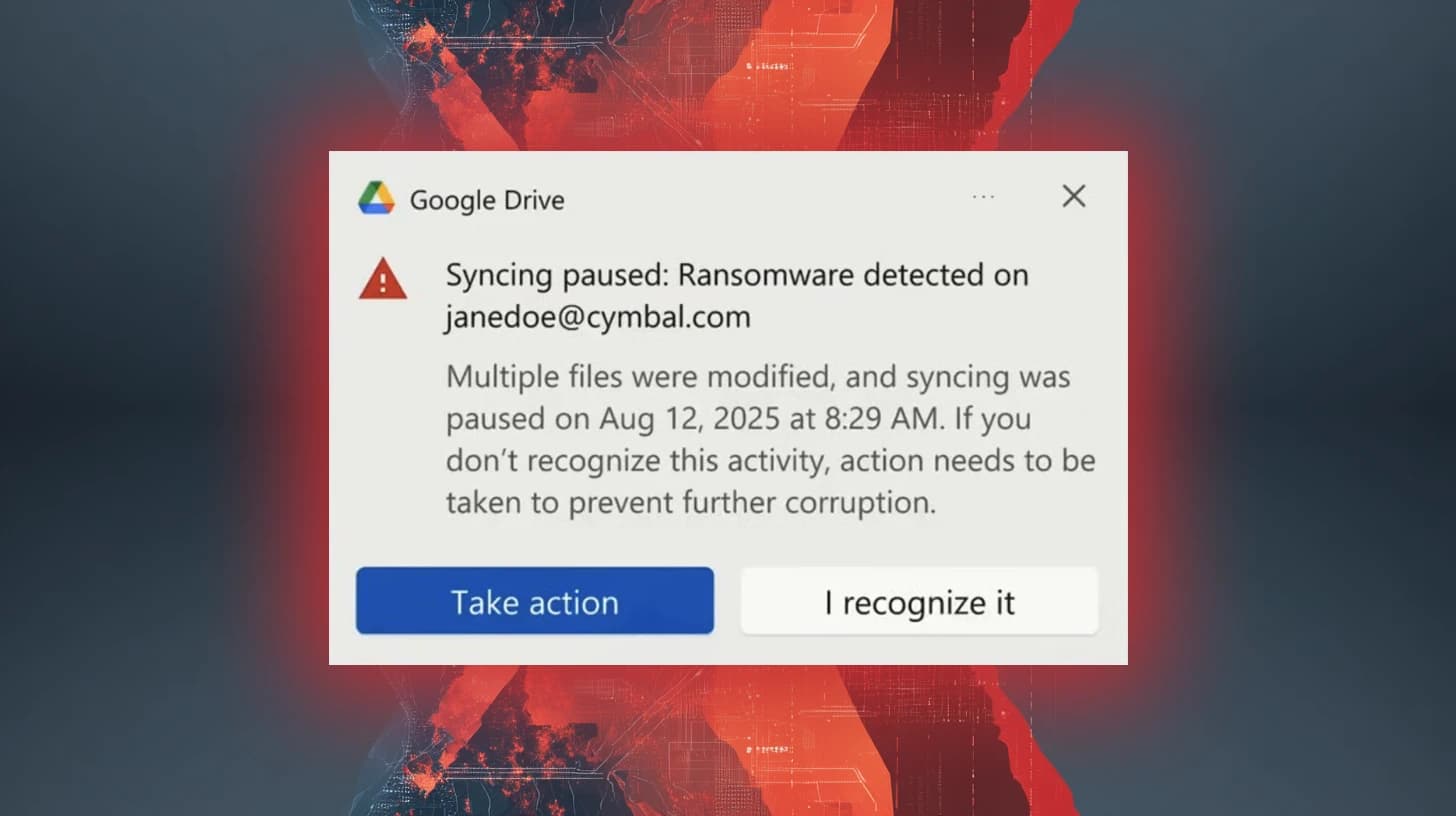
Basically, Google Drive can now find ransomware and help you recover your files.
Google Drive has launched ransomware detection and file restoration features. This helps users quickly recover from malware attacks, minimizing data loss and disruption. Organizations can now better protect their critical data with these advanced tools.
What Happened
In a significant update, Google Drive has rolled out features aimed at combating ransomware attacks. Initially launched in beta in September 2025, these tools are now fully available. Google claims that their latest AI model can detect 14 times more ransomware infections than before. This enhancement means users can be alerted sooner, potentially preventing extensive damage to their files.
When ransomware is detected, Google Drive pauses file syncing automatically. This proactive measure allows users to take action before their files are completely encrypted. Notifications are sent both to the affected users and their administrators, ensuring that everyone is aware of the potential threat.
Who's Being Targeted
These new features are designed for organizations using Google Drive, particularly those that rely on cloud storage for critical data. With ransomware attacks becoming increasingly common, businesses of all sizes are at risk. The ability to detect ransomware early can significantly reduce the impact on operations and data integrity.
Admins have the option to enable or disable these features at the organizational unit level. This flexibility allows organizations to tailor security measures according to their specific needs. However, end users must rely on their admin's configuration to access these protective features.
Signs of Infection
Users can identify potential ransomware activity through alerts in Google Drive for desktop. When files are being synchronized to the cloud, the system scans for any signs of ransomware encryption. If detected, the syncing process is halted, and users are immediately notified. This quick response is crucial in minimizing the damage caused by ransomware attacks.
Additionally, users receive guidance on how to recover their files if they have been affected. The system is designed to help users understand when suspicious activity began, making it easier to pinpoint the source of the infection and take necessary steps.
How to Protect Yourself
To make the most of these new features, users should ensure that ransomware detection is enabled on their Google Drive. Regularly backing up important files and monitoring for unusual activity can also enhance security. If ransomware does strike, users can restore previous versions of their files from Google Drive, as long as the modifications occurred within the last 25 days.
Both admins and users can restore files in bulk, simplifying the recovery process. This capability is essential for organizations that need to maintain business continuity in the face of cyber threats. By leveraging these new tools, users can significantly reduce the risks associated with ransomware attacks.