🎯Basically, a fake pop-up tricked a user into giving away their password, allowing malware to steal data.
What Happened
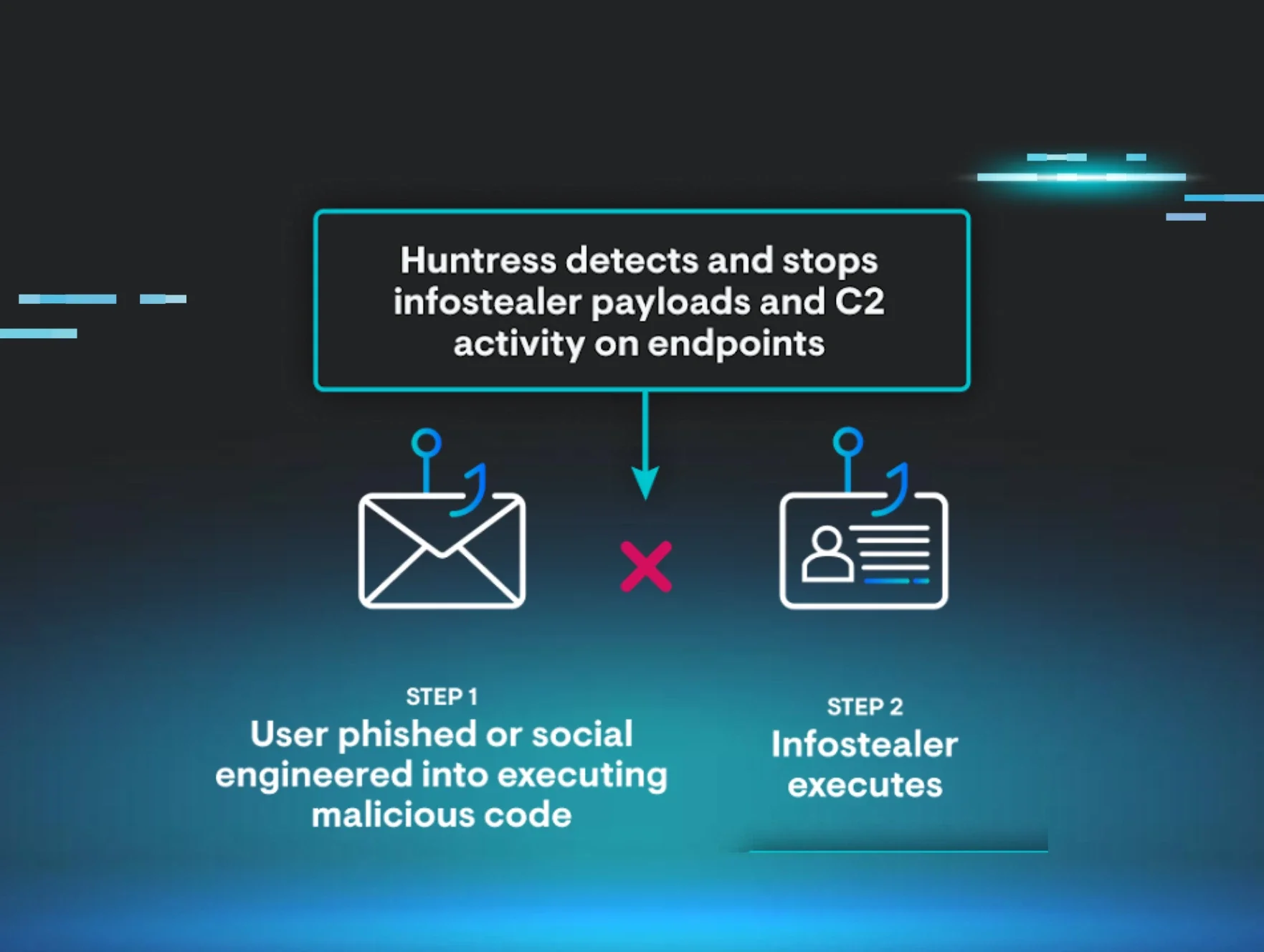
In a recent incident, Huntress’ AI-Centric SOC detected a MacSync infostealer attack on a macOS device. An employee fell victim to a fake prompt claiming to be from the legitimate “macOS Protection Service.” When the user entered their password, the malware was unleashed. It began scraping sensitive information like credentials, browser cookies, and crypto wallets. Luckily, Huntress intervened before any data was sent to the attacker.
The malware operated stealthily, storing scraped data in a folder named /tmp/salmonela/. Once the folder was filled, it zipped the contents and attempted to send them to a command-and-control server. This incident serves as a reminder that even macOS users are not immune to malware threats.
Who's Being Targeted
The MacSync infostealer specifically targets macOS users, exploiting their assumptions of safety. The malware is designed to collect a wide range of sensitive data, including: This breadth of targeting makes it particularly dangerous, as it aims to gather as much valuable information as possible from a single compromised device.
Chrome cookies and Safari data
Apple Keychain credentials
Over 200 crypto wallets
Signs of Infection
Recognizing signs of infection is crucial. Users may notice unusual prompts or system messages that seem out of character. In this case, the fake prompt requested the device password under the guise of security. Other indicators include: Being aware of these signs can help users identify potential threats before they escalate.
Unexpected network activity
Strange file behavior
How to Protect Yourself
To defend against threats like the MacSync infostealer, consider implementing the following strategies: By combining user awareness, limited access, and robust security tools, organizations can better protect themselves from infostealers like MacSync. This incident emphasizes the importance of vigilance in the face of evolving cyber threats.
Detection
- 1.User Education: Train employees to recognize fake prompts and suspicious activity. Encourage them to verify any unusual requests for passwords.
- 2.Limit Access: Reduce local admin rights and sensitive access to minimize the impact of a potential breach.
Removal
- 3.Deploy Managed EDR: Utilize tools like Huntress Managed EDR for macOS to ensure continuous monitoring and rapid response to threats.
- 4.Credential Management: Regularly rotate passwords and invalidate sessions after any suspected infostealer activity. This helps mitigate risks associated with compromised credentials.
🔒 Pro insight: The MacSync incident underscores the need for continuous user education on social engineering tactics targeting macOS users.