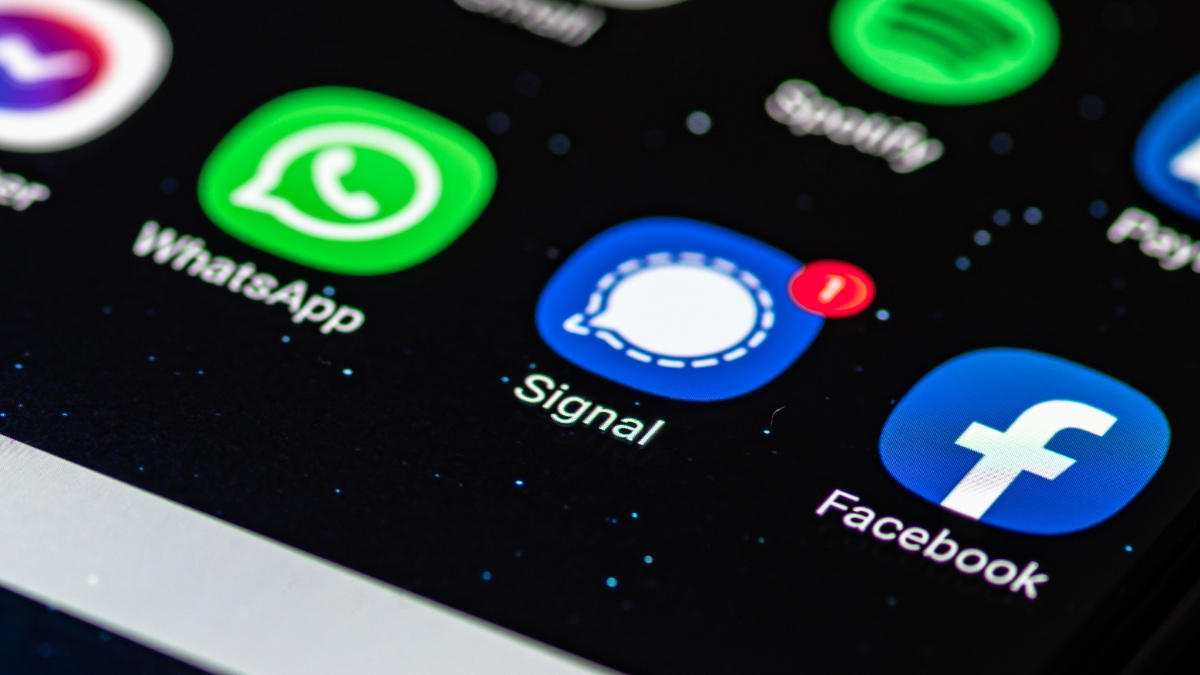
🎯Basically, a bug in iPhones let people see deleted messages.
What Happened
Apple has released a critical update to address a vulnerability in its iOS and iPadOS systems. This issue allowed deleted notifications, including sensitive message previews from apps like Signal, to be retrieved by law enforcement. The vulnerability is tracked under CVE-2026-28950.
The Flaw
The problem stemmed from a logging issue where notifications marked for deletion were unexpectedly retained in an internal database. This means that even after users deleted messages or uninstalled apps, copies of those notifications could still be accessed.
In one reported case, law enforcement successfully extracted these notifications using standard forensic tools after gaining access to an unlocked device. This raised significant concerns about user privacy and the potential for misuse of data.
What's at Risk
The retention of deleted notifications poses a severe risk to user privacy. Sensitive information, such as chat previews from secure messaging apps like Signal, could be exposed. This vulnerability could be exploited by malicious actors or, as seen, law enforcement during investigations.
Patch Status
Apple has addressed this vulnerability in the latest versions of iOS (18.7.8) and iPadOS (26.4.2). Users are encouraged to update their devices to the latest software to ensure their data remains secure.
Immediate Actions
To protect yourself: This incident highlights the importance of keeping software up to date and being aware of how notification data is managed on your devices.
Containment
- 1.Update your device: Go to Settings > General > Software Update to check for the latest version.
- 2.Enable Automatic Updates: This ensures you receive future security patches promptly.
Remediation
🔒 Pro insight: The retention of deleted notifications underscores the need for robust data redaction practices in mobile OS design.