Proton Authenticator - End-to-End Encrypted 2FA App Explained
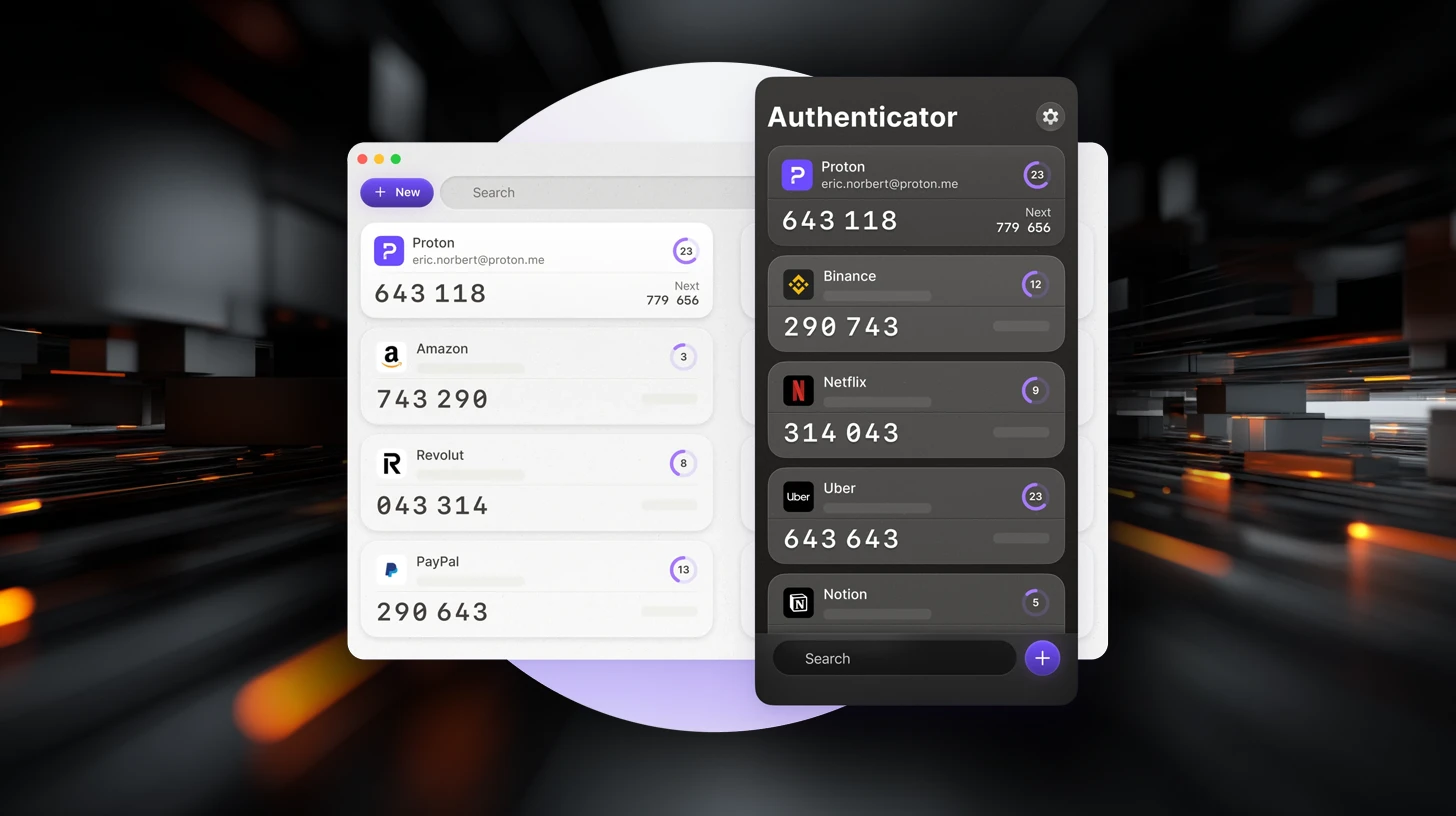
Basically, Proton Authenticator helps you secure your online accounts with temporary codes that only you can access.
Proton Authenticator is a new open-source 2FA app that enhances online security. It generates time-based passwords and offers encrypted backups for user data. This app ensures privacy without ads or tracking, making it a reliable choice for securing accounts.
What Is Proton Authenticator?
Proton Authenticator is a free and open-source two-factor authentication (2FA) app designed to enhance the security of online accounts. It generates time-based one-time passwords (TOTP), which are crucial for verifying user identity during logins. The app is available on multiple platforms, including Windows, macOS, Linux, iOS, and Android, allowing users seamless access to their verification codes across devices.
How It Works
Setting up Proton Authenticator is straightforward. Users start by installing the app from their respective app store. They can add accounts by scanning a QR code or entering a setup key provided by the service they wish to secure. For those transitioning from other authenticators, the app offers an import feature, making the switch smooth and hassle-free.
The app generates six-digit codes that refresh every 30 seconds. These codes serve as an additional layer of security, required alongside a password when logging into supported services. Notably, Proton Authenticator allows users to import tokens from other tools like Google Authenticator and Bitwarden Authenticator, ensuring flexibility and ease of use.
Security Model
Security is a top priority for Proton Authenticator. The app employs end-to-end encryption to protect data during synchronization. This means that encryption occurs on the user’s device, ensuring that only the user can access their stored authentication tokens. The open-source nature of the app allows for community scrutiny, adding a layer of transparency regarding data handling and security practices.
Users can also enhance security by protecting access to the app with a PIN or biometric authentication, which is particularly useful if the device is shared or lost.
Backup and Recovery
Proton Authenticator offers various options for backing up authentication data. Users can enable encrypted backups through a Proton account or utilize platform-specific backup systems. The app also provides export tools, allowing users to create external backups of their authentication data. This feature significantly reduces the risk of losing access to accounts if a device is replaced or becomes unavailable.
Conclusion
Proton Authenticator stands out as a reliable option for users seeking more control over their two-factor authentication setup. It covers essential functionalities like code generation, device synchronization, and data backup without imposing rigid structures. By prioritizing user privacy and security, Proton Authenticator is a commendable choice for anyone looking to enhance their online security.